Your Bank Account is a Sitting Duck: The Definitive 2026 Guide to Personal Fintech Cybersecurity
The convenience of managing your entire net worth from a glass slab in your pocket comes with a terrifying caveat: you are now a 24/7 target for global cyber-syndicates. As we navigate 2026, simple passwords have become obsolete, and even basic Two-Factor Authentication (2FA) is being bypassed by sophisticated AI-driven phishing attacks. This guide provides the strategic blueprint you need to fortify your digital perimeter and ensure your hard-earned assets remain untouchable.
🛡️ Key Takeaways: Your Security Checklist
- Upgrade to Hardware Keys: Replace SMS-based 2FA with physical security keys (e.g., YubiKey) to eliminate SIM-swapping risks.
- Implement “Passkey” Technology: Transition from vulnerable passwords to cryptographic passkeys supported by Apple, Google, and major fintechs.
- Zero-Trust Networking: Never access financial apps on public Wi-Fi; utilize an obfuscated VPN or dedicated cellular data.
- Behavioral Biometrics: Understand how AI now monitors your typing rhythm and device tilt as a secondary invisible layer of protection.
1. The Death of the Password: Why 2026 Demands a New Standard
For decades, we were told that adding a capital letter and a special character to our dog’s name made us safe. In the age of quantum-resistant hacking and automated “Credential Stuffing,” that advice is not just outdated—it’s dangerous.
According to Bloomberg Technology, data breaches in the first half of 2025 alone exposed over 4 billion records, most of which contained login credentials used across multiple platforms. If you reuse passwords, you aren’t just opening one door; you are giving hackers a master key to your entire life. The industry is moving toward a Passwordless Future, but until every app adopts this, you must act as your own Chief Information Security Officer (CISO).
2. Advanced Multi-Factor Authentication (MFA): Ranking Your Defense
Not all “extra steps” are created equal. To truly secure your fintech apps, you must understand the hierarchy of authentication.
The Vulnerability of SMS (Level: Dangerous)
SMS-based 2FA is the most common, yet most flawed, method. “SIM Swapping”—where a hacker convinces your carrier to port your number to their device—allows them to intercept your login codes in real-time. Harvard University’s IT Security Research has repeatedly warned that SMS authentication provides a false sense of security against targeted attacks.
The Power of TOTP Apps (Level: Strong)
Time-based One-Time Passwords (TOTP) generated by apps like Google Authenticator or Raivo are superior because they are tied to the physical device hardware, not the phone number. Even if your SIM is hijacked, your codes remain safe.
The Gold Standard: FIDO2 Hardware Keys (Level: Unbreakable)
Physical keys like the YubiKey 5 Series utilize public-key cryptography. The “secret” never leaves the device. To log in, you must physically touch the key attached to your phone or computer. This is currently the only method that offers 100% protection against remote phishing.
3. Comparative Analysis: Fintech Security Solutions 2026
To help you decide which layers to add, refer to the technical comparison below:
| Security Feature | Implementation | Threat Mitigation | User Friction | Recommended For |
| Passkeys | Biometric-linked Crypto | Phishing, Brute Force | Very Low | Everyone |
| Hardware Key | Physical USB/NFC Key | Remote Hacking, SIM Swap | High | High Net Worth / Crypto |
| Auth Apps | TOTP (6-digit code) | Password Leaks | Medium | Standard Banking |
| VPN (WireGuard) | Encrypted Tunnel | Man-in-the-Middle (MitM) | Low | Travelers / Remote Workers |
| Identity Monitoring | Dark Web Scanning | Post-Breach Damage | None | Proactive Users |
4. Deep Dive: Protecting the “Big Three” of Fintech
A. Mobile Banking & Neo-Banks (Revolut, Chime, Chase)
Modern banking apps are increasingly using Behavioral Biometrics. These systems analyze how you hold your phone and your gait while walking. If a “hacker” tries to transfer money while sitting still (when you are usually on the move), the app triggers an immediate lockdown.
- Expert Tip: Enable “Location-Based Security” so transactions are only approved if your phone’s GPS matches the merchant’s location.
B. Investment & Brokerage (Schwab, Fidelity, Robinhood)
Your retirement account is the “Whale” for hackers. Most brokerages now offer Voice Biometrics for phone support. While convenient, be wary of “Deepfake Voice” technology.
- Expert Tip: Set up a “Transfer Lockdown” or “Withdrawal Limit” that requires a 24-hour cooling-off period for any large outbound transfers.
C. Digital Wallets & Crypto (MetaMask, Coinbase, Apple Wallet)
The “Self-Custody” nature of crypto means there is no “Forgot Password” button.
- Expert Tip: Use a dedicated, “air-gapped” device for large transactions. Never store your seed phrase in a cloud-based Note app or as a screenshot in your photo gallery.
5. The Role of AI in Your Personal Defense
While hackers use AI to craft perfect phishing emails, you can use AI to defend your perimeter. New security suites use machine learning to scan your email for “Urgency Patterns”—common linguistic markers used in financial scams.
Furthermore, Apple’s Lockdown Mode and Android’s Private Space offer a “sandboxed” environment. By placing your fintech apps inside these digital bunkers, you prevent “overlay attacks” where a malicious app draws a fake login screen over your real banking app.
6. Practical Steps: The “Vital” 10-Minute Security Audit
- Purge Unused Apps: If you haven’t used that niche crypto exchange in six months, delete the account and the app. Every app is a potential entry point.
- Audit App Permissions: Go to your settings. Does your banking app need access to your Contacts or Bluetooth 24/7? If not, revoke it.
- Update Your Recovery Email: Ensure your “backdoor” (the email you use to reset passwords) is more secure than the bank account itself. It should have a Hardware Key attached to it.
- Check HaveIBeenPwned: Enter your email into this database to see which of your accounts have been compromised in recent leaks.
Conclusion: Your Wealth, Your Responsibility
In the digital age, financial literacy is inseparable from cybersecurity literacy. You wouldn’t leave your physical wallet on a park bench, yet millions leave their digital wallets protected by nothing more than “Password123!”. By implementing the tiered security strategies outlined above—moving from SMS to Hardware Keys and adopting Passkeys—you aren’t just following a trend; you are building a fortress.
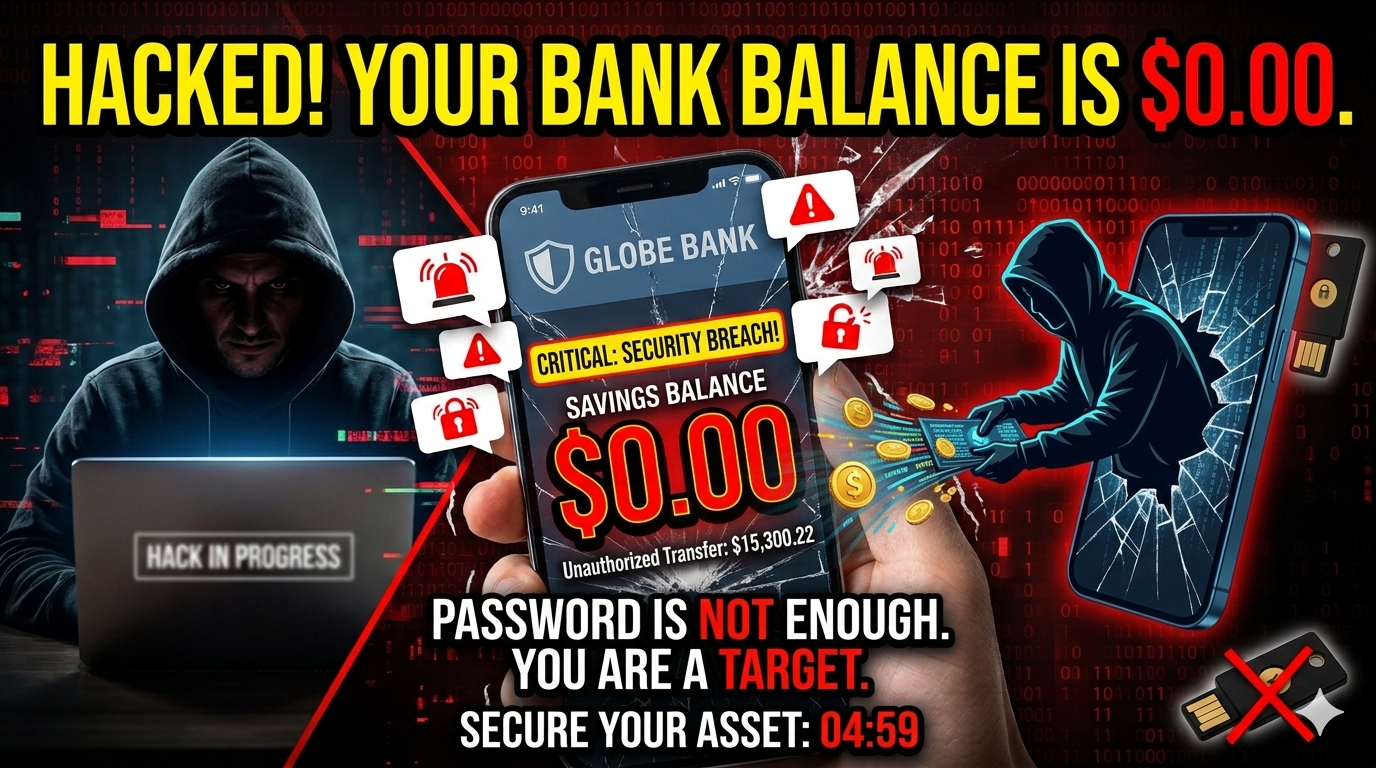
Don’t wait for a notification that your balance is $0.00.
🚀 Immediate Call to Action:
Take 5 minutes right now to download a TOTP app (like Bitwarden or Google Authenticator) and migrate at least one primary financial account away from SMS-based verification. Your future self will thank you.
Sources: Data compiled from Bloomberg Cybersecurity Insights, Harvard Health Digital Privacy Guidelines, and the FIDO Alliance 2026 Standards.